In this video
1:11William AI: auto-publish with confidence
Turn on auto-publish in one click, see what William published overnight and why, and set a fixed rule to always publish a supplier you trust.
More walkthroughs
 0:48
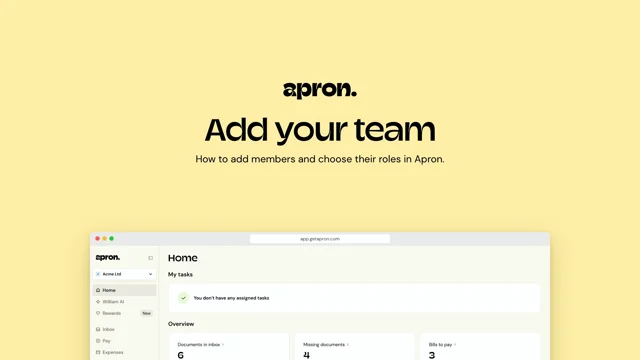
0:48Team members: add your team and choose their roles
Add a member from Company settings, give them a phone number so they can send bills by WhatsApp, choose their role, and see the personal direct email they forward documents to.
 1:25
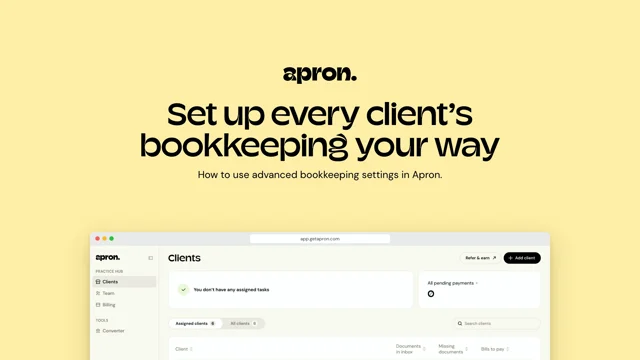
1:25Advanced bookkeeping: set up every client’s bookkeeping your way
Open a client from your practice hub and set the rules once: capture line items, auto-fill descriptions, enable sales, keep publishing with your practice, and set a default due date and Xero preferences. Every new bill follows them.
 0:53
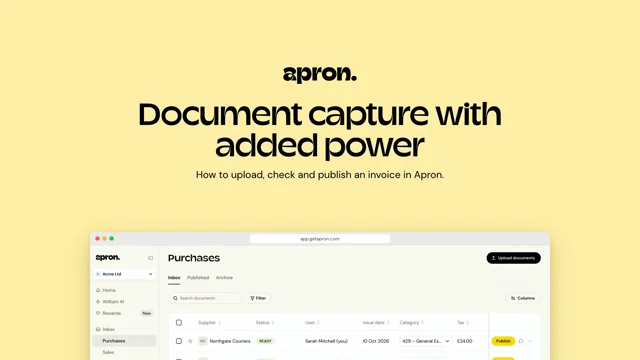
0:53Invoice capture: upload, check and publish to Xero
Upload an invoice, let Apron read the supplier, amounts and dates, confirm a new supplier and pick a category, then publish it to Xero in a few clicks.
 1:19
1:19William AI: teach it your rules in plain English
Write guidance in plain English, name suppliers and categories with @, and see William apply it to the next document you upload.
 0:54
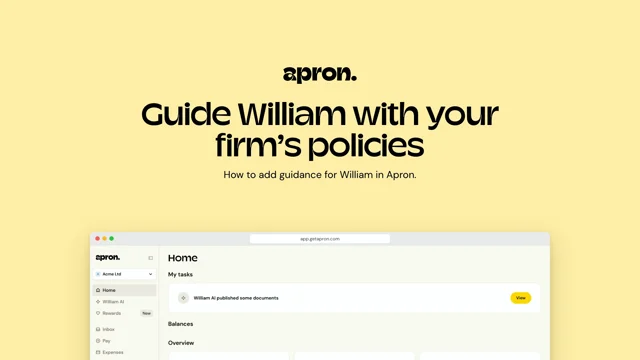
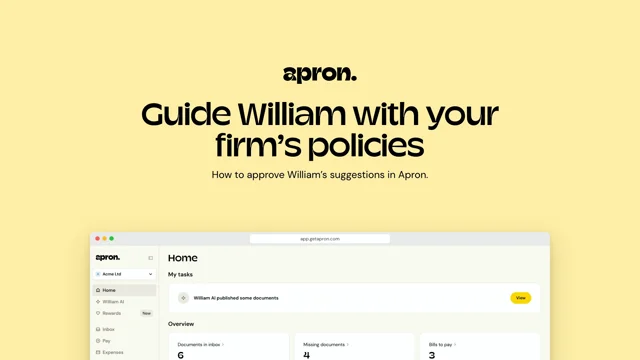
0:54William AI: guide it with your firm’s policies
Approve William’s suggestions in one click, answer its questions in plain English, and keep all your guidance in one place.
 2:34
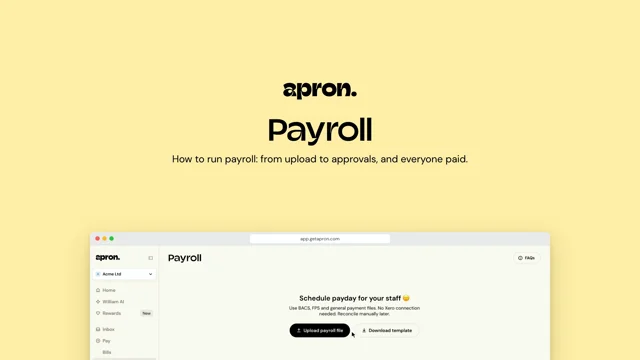
2:34Payroll
How to run payroll: from upload to approvals, and everyone paid.
 0:45
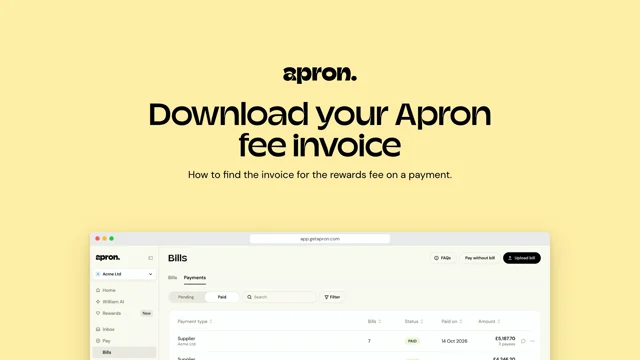
0:45Fee invoice: download the invoice for your rewards fee
Find a paid payment, see the Apron Rewards Package fee and why it was charged, and download the fee invoice.
 0:58
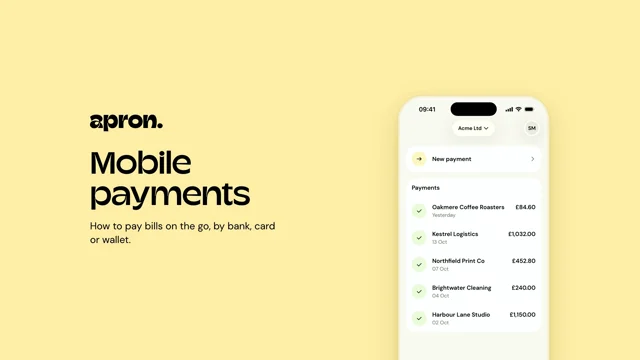
0:58Mobile payments
How to pay bills on the go, by bank, card or wallet.
 0:46
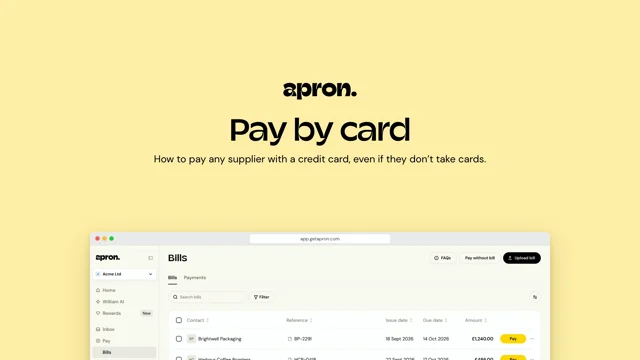
0:46Pay by card
How to pay any supplier with a credit card, even if they don’t take cards.
 1:27
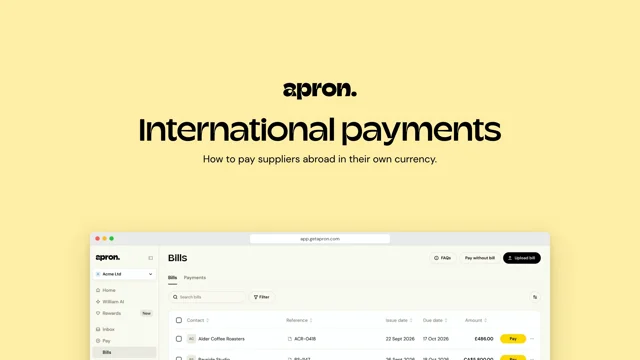
1:27International payments
How to pay suppliers abroad in their own currency.
 1:05
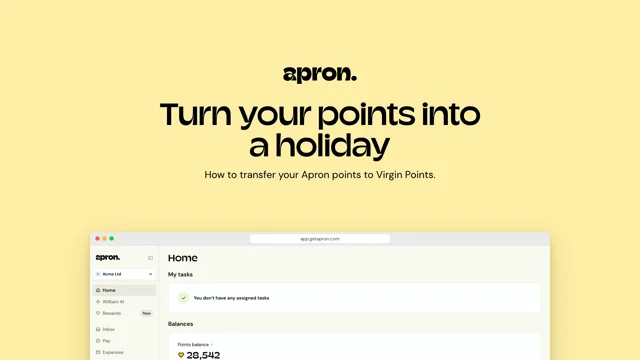
1:05Redeem points: turn your points into a holiday
See your points balance, check what a flight costs with Virgin Atlantic and transfer your points 1:1 to Virgin.
 1:16
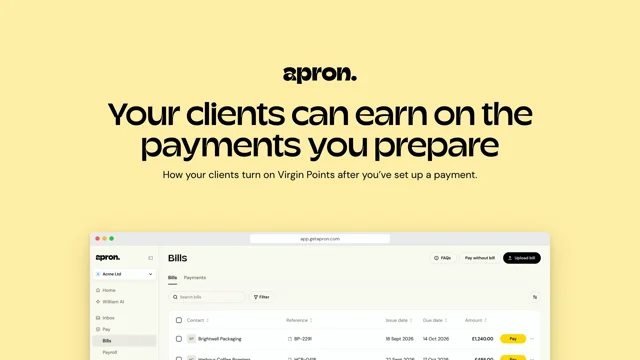
1:16Rewards for clients: they earn on payments you prepare
Prepare a payment for your client and send it to them to pay. They turn on Virgin Points, pay from their bank and earn points.
 1:41
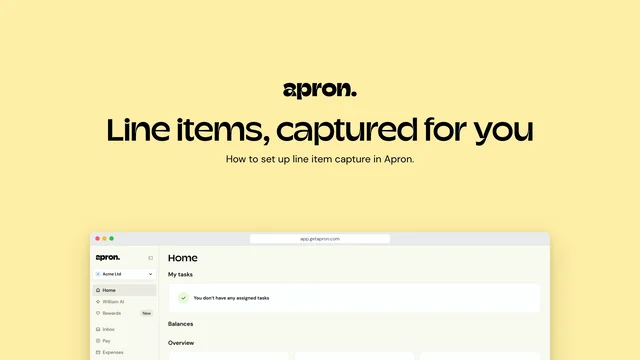
1:41Line items: captured, split and coded for you
Turn on line item capture for every document, set auto-split rules per supplier, capture or add lines on demand, and teach William AI to split an invoice line by line.
 1:25
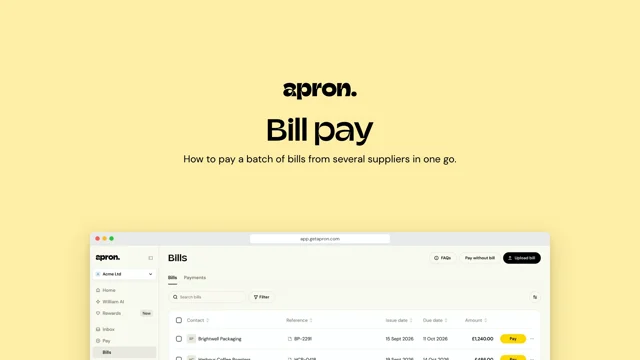
1:25Bill pay
How to pay a batch of bills from several suppliers in one go.
 1:24
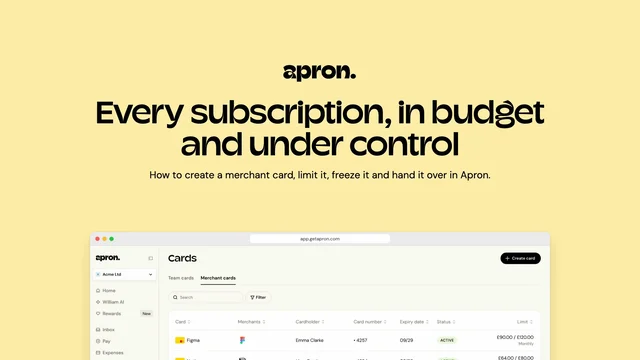
1:24Merchant cards
How to create a merchant card, limit it, freeze it and hand it over when someone leaves.
 1:20
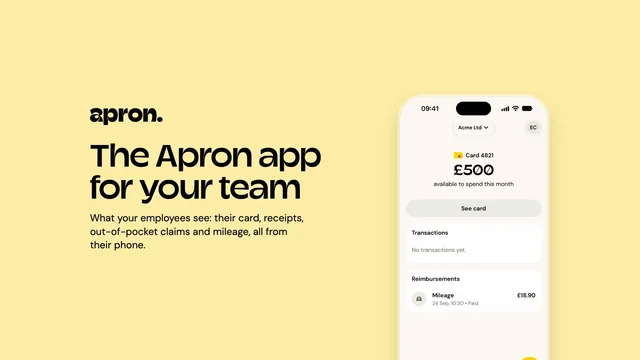
1:20The mobile app for employees
What your employees see: their card, receipts, reimbursements and mileage, all from their phone.
 1:19
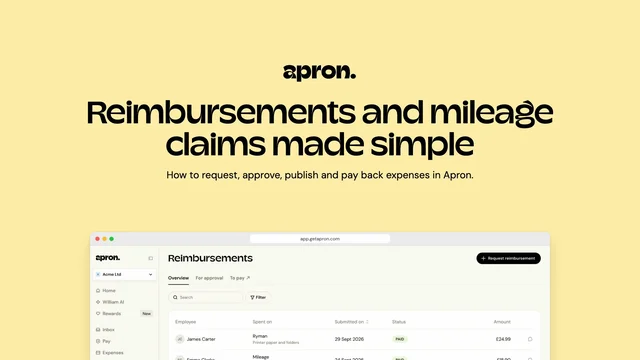
1:19Reimbursements
How to submit expenses and mileage, approve them, sync to Xero and pay everyone back.
 1:40
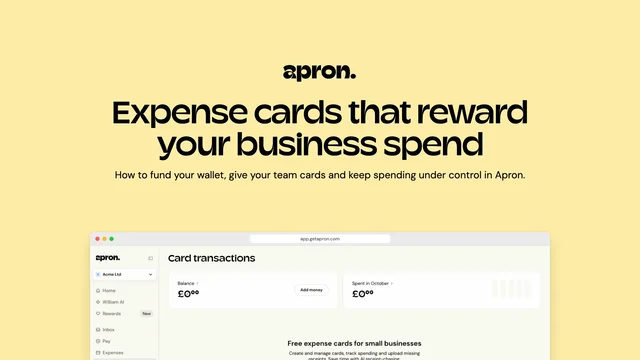
1:40Apron Cards
How to fund your wallet and give your team cards with limits.